


Use code NEWSTUDENT at checkout & save 20% off your first order (any number of lessons)
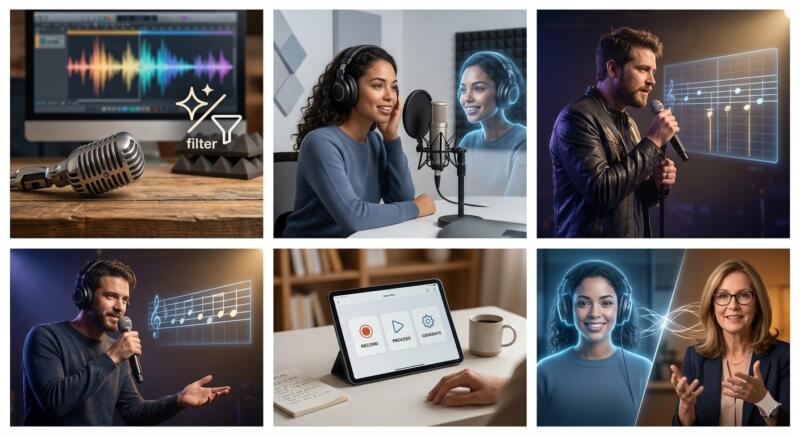
Can you actually use AI to transform your voice from a shaky bedroom recording into a polished, professional masterpiece? The short answer is a resounding yes — and it’s a lot easier than you think.
QUESTION: People do not seem to enjoy listening to my voice. Is there a way for me to improve my vocal quality utilizing AI technology?
ANSWER: You can instantly enhance your voice quality using free AI-powered audio enhancers. These tools strip away background noise, remove echoes, and balance audio levels, so even cheap microphone recordings sound like they were made in a professional studio.

Whether you’re a podcaster trying to remove annoying background hiss, a creator looking to clone your own voice for faster editing, or a singer aiming for pitch perfection, AI vocal tools are completely changing the game. Here is a look at how you can leverage this tech to sound your absolute best.

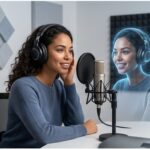

Ultimately, AI isn’t here to replace the unique character of your natural voice — it’s here to amplify it. While technology can flawlessly polish your audio, clone your sound, and fix a stray pitch, it can’t teach you the raw emotional delivery, authentic confidence, or breathing techniques that truly connect with an audience. If you want to take your vocal transformation a step further, combining these cutting-edge AI tools with the personalized guidance of a human voice coach is the ultimate power move. Explore the tech to streamline your workflow, but consider booking a session with a professional coach today to unlock the true potential of your natural instrument.

 On Sundays, Tuesdays, and Thursdays we invite you to “Ask MyTutorLesson” a question about how to improve your voice. Your question can be answered by our Voice and Speech Teacher, Bill Patti. Do you have a question? Please contact us at info@mytutorlesson.com.